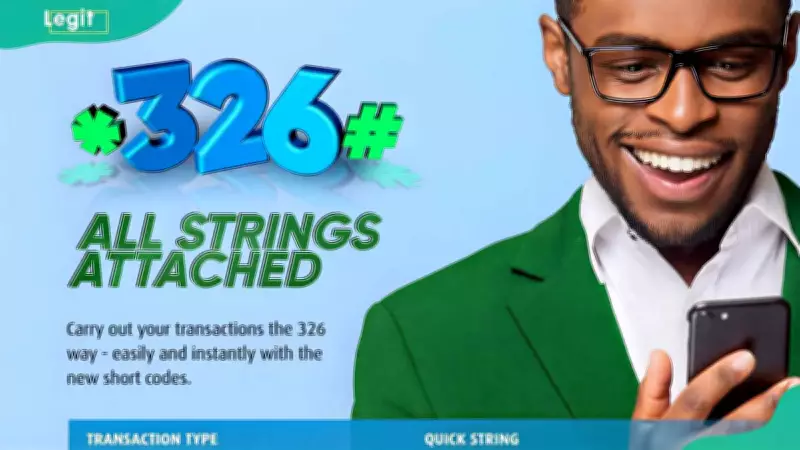
Ecobank customers can use the *326# USSD code to perform banking transactions quickly and securely without internet access. This service allows fund transfers, airtime purchases, and even instant account opening directly from any mobile phone.
Key Takeaways
- The unified Ecobank *326# code provides access to transfers, airtime top-ups, and account management from a single menu.
- Users can open an Ecobank Xpress Account instantly via USSD and receive an account number linked to their mobile line without visiting a branch.
- The service works without internet, making it reliable when data or banking apps are unavailable.
- All transactions are protected by a user-created 4-digit PIN.
Every Ecobank USSD Code for Transfers, Airtime and Account Opening
The official Ecobank shortcode is *326#. This code works on MTN, Airtel, Glo, and 9mobile networks. Below are the main commands:
- Main menu: *326#
- Check balance: *326*0#
- Airtime for self: *326*Amount#
- Airtime for others: *326*Amount*PhoneNumber#
- Transfer to Ecobank: *326*1*Amount*AccountNumber#
- Transfer to other banks: *326*2*Amount*AccountNumber#
- Open Xpress account: *326# then select option
- Reset PIN: *326# then select PIN reset
Requirements to Activate the Ecobank USSD Code
Before using the service, ensure you have:
- An active Ecobank account
- A mobile number linked to your account
- An Ecobank debit card for verification
- Access to MTN, Airtel, Glo, or 9mobile network
- Sufficient airtime for transactions
How to Register for the Ecobank Transfer Code
Existing Ecobank Mobile App Users
No registration needed. Dial *326# and enter your existing 6-digit app PIN.
Ecobank Customers Not on the Mobile App
Dial *326#, select option 3 (Attach Mobile Number), enter your account details, provide the last four digits of your debit card, and create a 4-digit PIN.
Non-Ecobank Customers (Open an Xpress Account)
Dial *326#, select option 1 (Open Xpress Account), follow the prompts, and receive your account number via SMS.
How to Transfer Money Using Ecobank USSD Code
To transfer to another bank: dial *326#, select Transfer, choose Other Banks, enter recipient details and amount, then confirm with your PIN.
How to Buy Airtime Using Ecobank USSD
For yourself: dial *326*Amount# and confirm with PIN. For another number: dial *326*Amount*PhoneNumber# and confirm.
How to Reset Your Ecobank USSD PIN
Dial *326#, select Reset PIN or Set PIN, verify with debit card details, then create a new 4-digit PIN.
Frequently Asked Questions
What is the Ecobank sort code?
The sort code varies by branch. Contact Ecobank customer care to get the correct code for your branch.
What is the Ecobank transfer code?
The official transfer code is *326#.
What is the Ecobank account balance code?
Dial *326*0# to check your balance.
Can I transfer money without internet access?
Yes, the USSD service works without internet.
Can I open an Ecobank account using USSD?
Yes, non-customers can open an Xpress Account instantly via *326#.
How do I contact Ecobank customer care?
Call +234 700 500 0000 or +234 (0) 201 270 1323, email assist@ecobank.com, or reach via WhatsApp at +234 808 760 3717.
The Ecobank *326# platform is a fast, reliable way to manage your money anytime, anywhere, without internet.