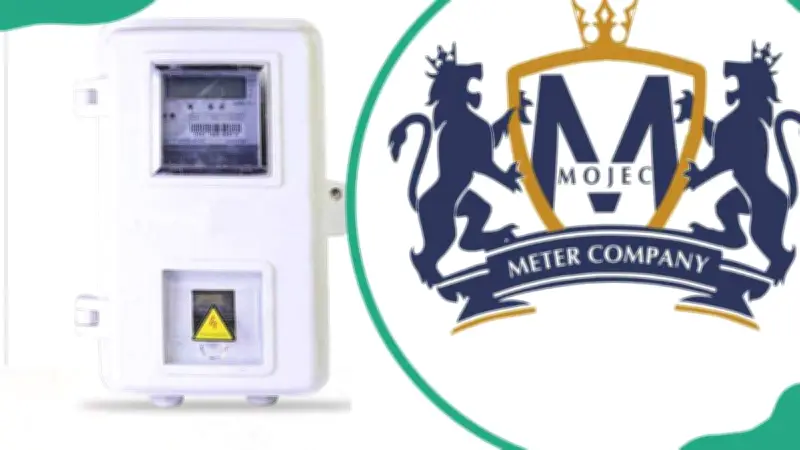
MOJEC prepaid meters are widely used across Nigeria for monitoring and managing electricity consumption. Understanding the correct meter codes and troubleshooting steps can help users resolve common issues such as failed connections, error messages, and token rejections, thereby preventing unnecessary service delays.
Key Takeaways
A failed message on a MOJEC meter can result from incorrect token entry, communication problems, low battery, or technical faults. Checking the display and using correct codes helps identify issues. Ensuring correct token entry and verifying the meter number before purchase prevents errors. Persistent failures require contacting the electricity provider for professional support.
AEDC Prepaid Meter Codes
Abuja Electricity Distribution Company (AEDC) serves Niger, Kogi, and Nasarawa States. Users should know these codes: 009 for credit balance, 040 for credit amount, 070 for current date, 100 for meter number, 048 for emergency credit, 200 for previous charged date, 202 for previous charged credit, 032 for total charging amount, 045 to disable audio alarm, 201 for previous charged time, and 203 for previous charged token.
Ikeja Electric Prepaid Meter Codes
Ikeja Electric (IE) covers northern Lagos and parts of Ogun State. Key codes include: 004 for total import energy, 009 for credit balance, 040 for credit amount, and 448 for current month's active total energy.
Common Error Codes and Their Meanings
MOJEC meters display error codes when faults occur. According to the guide published by Legit.ng authors Jackline Wangare, Muhunya Muhonji, and Kevin Omuya on May 3, 2024, the common errors are:
- Error 1: Random Access Memory (RAM) issue – requires professional assistance.
- Error 2: Electronically Erasable Programmable Read Only Memory (EEPROM) fault – contact service provider.
- Error 3: Power diode failure – needs a qualified technician or provider help.
- Error 6: Wrong key or key problem – call the company.
- Error 10: Meter number problem – clean keys and retry; if persists, call support.
- Error 12: Key pass error – re-enter correct keys or contact support.
Reset Procedure for MOJEC Meters
If basic troubleshooting fails, use the reset code: dial 990 and press Enter, then 0000 and Enter to see 'Good', then 999 and Enter to display 'Reset'. Unplug the Customer Interface Unit (CIU), plug it back, and reload the token. If issues persist, contact MOJEC customer care at 014538014, 014538015, 08174589132, or 09169973148.
How to Use a MOJEC Meter
First, load the activation token if required. Pair the meter with the UIU by entering your meter number and pressing Enter. Purchase an energy token, input the 20-digit code on the keypad, and press Enter. If the token is rejected, recheck and re-enter carefully.
Frequently Asked Questions
Why is the prepaid meter showing failed? Possibly due to a mismatch between the serial number on the token and the physical meter number. How to stop beeping? Dial 045 and press Enter. How to check balance? Dial 009 and press Enter. How to check meter number? Press 65 then Enter – an 11- or 12-digit number appears. How to check meter number via CIU? Connect the CIU to power, enter code 65, and press Enter.
If the meter rejects tokens, verify the token digits and confirm with your vendor. For locked meters, there is no universal unlock code; the solution depends on the cause. Contacting the electricity provider or a qualified technician is recommended for persistent issues.