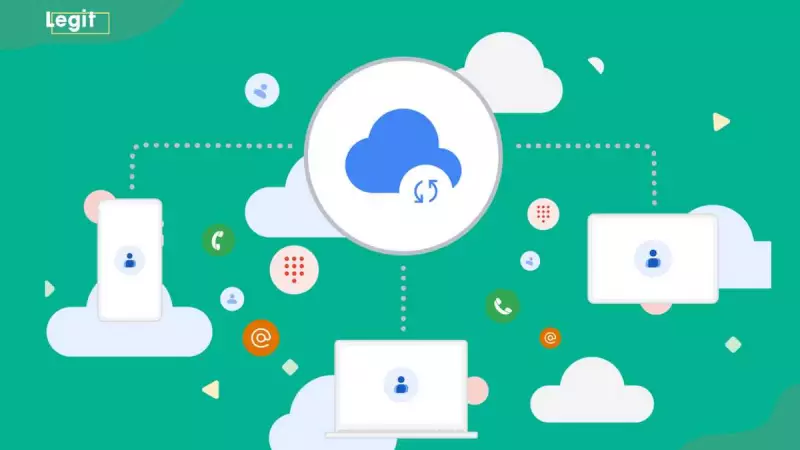
Nigerian iPhone users seeking to seamlessly integrate their Gmail contacts now have multiple reliable methods at their disposal. According to technology experts, transferring contact information between platforms has become increasingly straightforward, ensuring users maintain organized and accessible contact lists across all their devices.
Three Effective Methods for Contact Transfer
Technology enthusiasts in Nigeria can choose from three primary approaches when moving their Gmail contacts to iPhone devices. Each method offers distinct advantages depending on user preferences and technical comfort levels.
The simplest approach involves using iPhone Settings for direct synchronization. This method creates an automatic link between your Gmail account and iPhone, ensuring real-time updates across both platforms.
Step-by-Step Settings Synchronization
Begin by opening your iPhone Settings application and navigating to the Contacts section. Select 'Add Account' and choose Google from the available options. After signing into your Gmail account, enable the Contacts sync toggle and save your settings.
Your iPhone will immediately begin importing all Gmail contacts. For larger contact lists, the process might require several minutes to complete. Once finished, all contacts will appear in your native Contacts application.
iCloud Bulk Transfer Method
For users preferring iCloud integration, the export-import process provides comprehensive transfer capabilities. Start by accessing Google Contacts through your web browser, selecting all desired contacts, and exporting them as a vCard file specifically formatted for iOS devices.
Next, visit iCloud.com, sign in with your Apple ID, and use the Import vCard feature to upload your downloaded contact file. Finally, ensure contact synchronization is enabled in your iPhone's iCloud settings to complete the transfer.
Third-Party Application Solutions
Several reputable applications available through the App Store can streamline contact management between Gmail and iPhone. Applications such as My Contacts Backup or Sync for iCloud Contacts offer user-friendly interfaces that guide you through the authorization and transfer process.
These applications prove particularly valuable for managing duplicate contacts or synchronizing multiple email accounts simultaneously. Always verify application credibility through reviews and ratings before installation.
Regardless of your chosen method, maintaining synchronized contacts ensures you never lose important connections while providing backup security for your valuable contact information. Nigerian iPhone users can confidently implement these techniques to bridge the gap between Google and Apple ecosystems effectively.