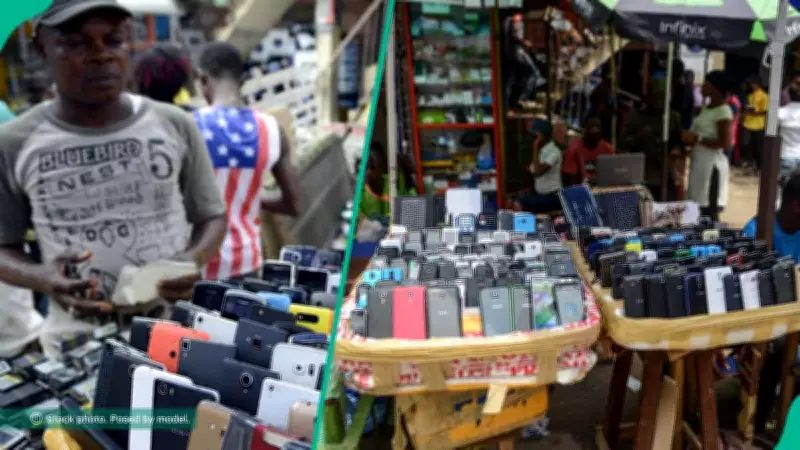
Buying a second-hand phone can be a smart financial decision, but it comes with significant risks. Many used phones on the market are stolen, blacklisted, or locked to previous owners. To avoid these pitfalls, experts recommend conducting thorough checks before making a purchase. Here are six essential steps to ensure you don't end up with a problematic device.
1. Verify the IMEI Number
Every mobile device has a unique International Mobile Equipment Identity (IMEI) number. This number can be used to check if the phone is lost, stolen, or safe to use. Dial *#06# on the phone to display the IMEI. Confirm that it matches the number on the box, SIM tray, or receipt. A mismatched IMEI is a red flag. Use online tools like IMEI.info, IMEI Check, IMEI24, or CheckYourIMEI.ng for verification.
2. Use Rapid IMEI Verification Tools
Several platforms offer quick IMEI checks. For example, Dr.Fone Online IMEI Check by Wondershare provides results within seconds, including blacklist status, carrier lock status, warranty information, and repair history. These tools work for both Android and iOS devices.
3. Check the Blacklist Status
An IMEI check will reveal if the device has been reported as lost or stolen. Avoid any phone that appears on a blacklist or has a flagged IMEI.
4. Test Network Connectivity
Insert a SIM card and make test calls, send messages, and use mobile data. If the phone fails to connect to the network, it may be blocked or blacklisted.
5. Verify Account Locks
For iPhones, ensure that Activation Lock is turned off. According to Apple, an iPhone with Activation Lock enabled cannot be used without the original owner's Apple ID and password. Check this in the settings under iCloud.
6. Identify Suspicious Sellers
Be cautious of sellers who refuse to share IMEI details, suggest public meeting spots, offer unusually low prices, or sell devices without accessories or receipts. These are common signs of stolen or blacklisted phones.
Jeremiah Ohio, a phone seller and manager of Jtechnologies at Ikeja Computer Village, advises: "To save yourself financial loss and risks, a few minutes spent doing these IMEI check tests with physical and network verification of the used phone is the best method to avoid buying a stolen or blacklisted phone."
By following these steps, you can protect yourself from buying a problematic used phone and enjoy the savings without the headaches.